


Security
The right access for every role, and a record of every change
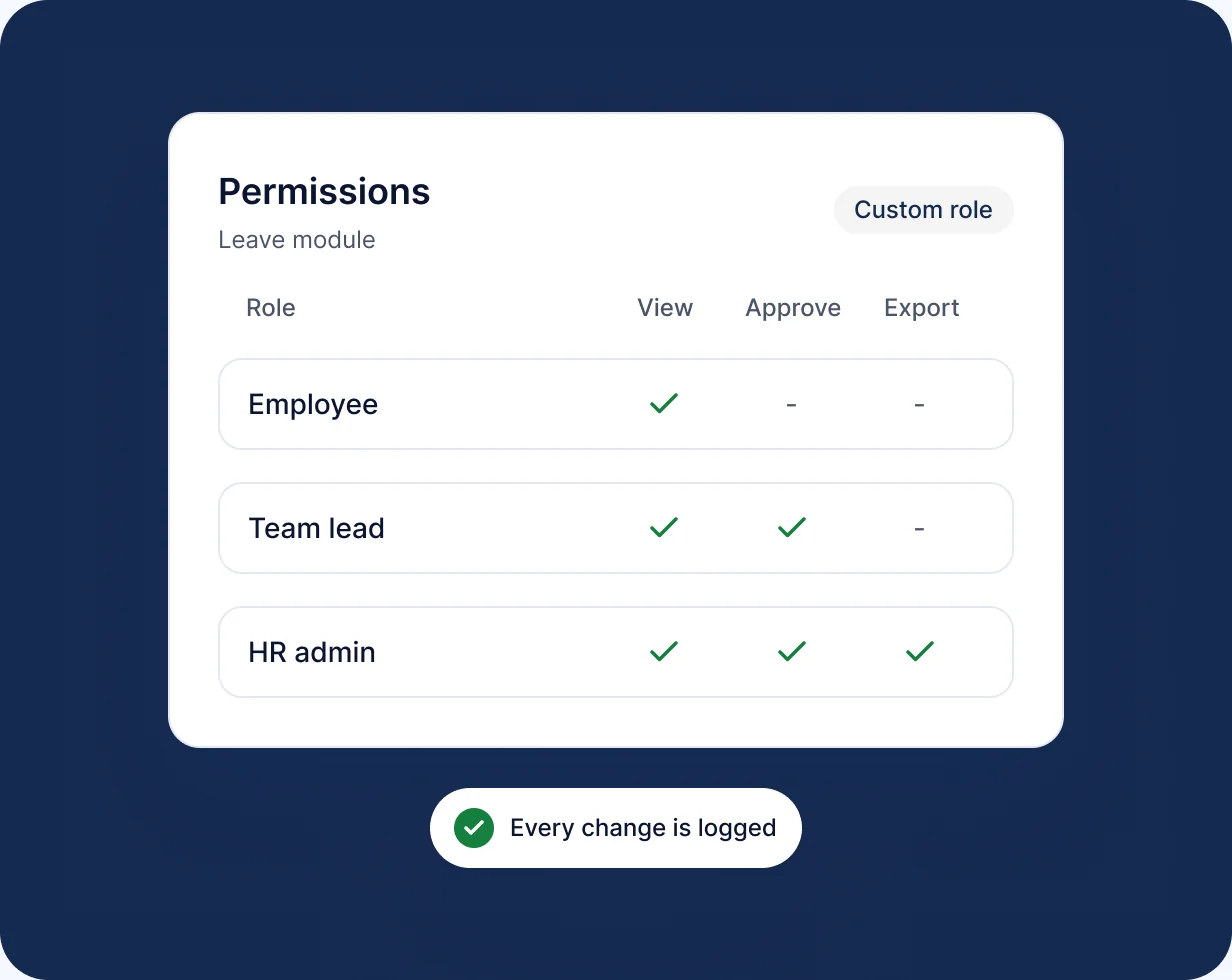
RankHRM Security controls who can see and change HR information through role-based permissions, and keeps an audit trail so you can see what changed, when and by whom.
Key capabilities
What you can do with Security
-
Roles
Define roles such as HR admin, manager and employee.
-
Permissions
Set what each role can view and change in every module.
-
HR admin controls
Manage users and assign roles from one screen.
-
Audit trail
See who changed what and when.
-
Sensitive data
Restrict payroll and personal data to authorised roles.
In the product
See Security in action
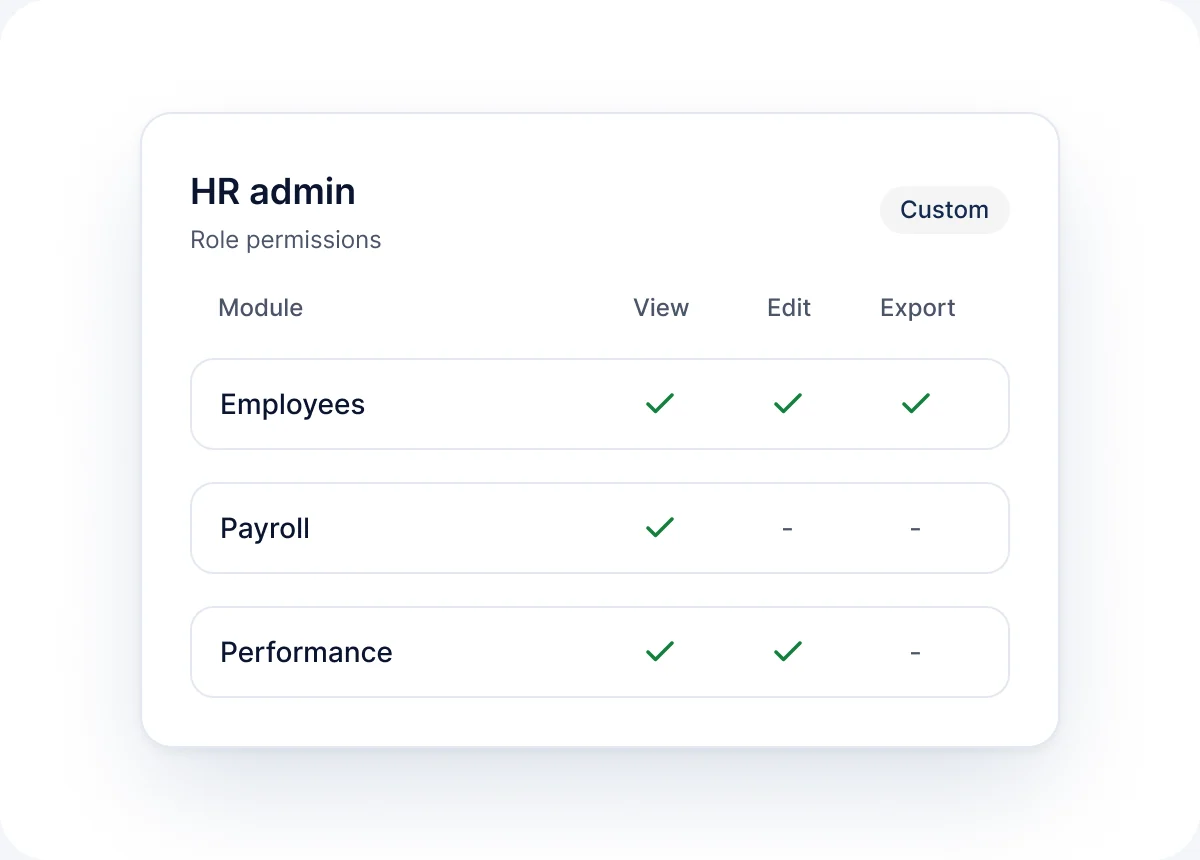
HR admin
Assign roles and permissions to users.
- Define roles
- Assign permissions to users
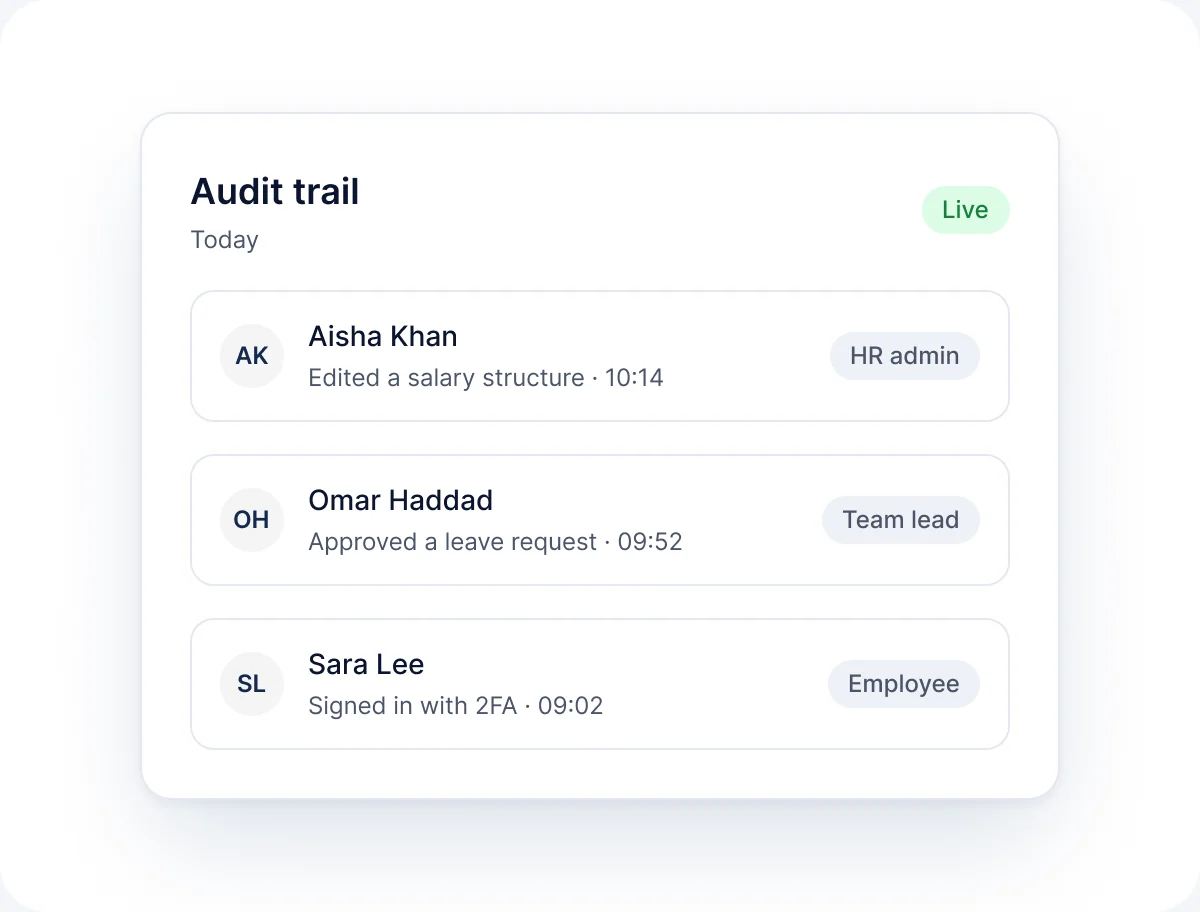
Audit trail
Review a log of changes across the platform.
- See who changed what
- Review when each change happened
How it works
How Security works
-
01
Define roles
Set up roles during implementation.
-
02
Set permissions
Choose what each role can view and change.
-
03
Assign users
Give each user the right role.
-
04
Review
Check the audit trail whenever you need to.
FAQ
Security questions
Short answers to the questions we hear most. See the full FAQ for more.
Read all FAQs
How does RankHRM control access to HR data?


Through role-based permissions. Each role has defined view and edit rights in each module, and users see only what their role allows.
Can we see who changed a record?
Yes. The audit trail records changes with the user and time.
Who manages users and roles?
HR admins manage users and role assignments in RankHRM.
Where is RankHRM data hosted?
Hosting and data residency details are shared during your security review.
See how RankHRM protects HR data
Book a 30-minute walkthrough and we will show you roles, permissions and the audit trail in detail.

What happens next
- 1Share a few details about your team and the modules you want to see.
- 2We email you within 1 working day to agree a time.
- 3You get a 30-minute walkthrough of RankHRM, focused on your workflows.