


Performance
Clear KPIs and evaluations that run on time
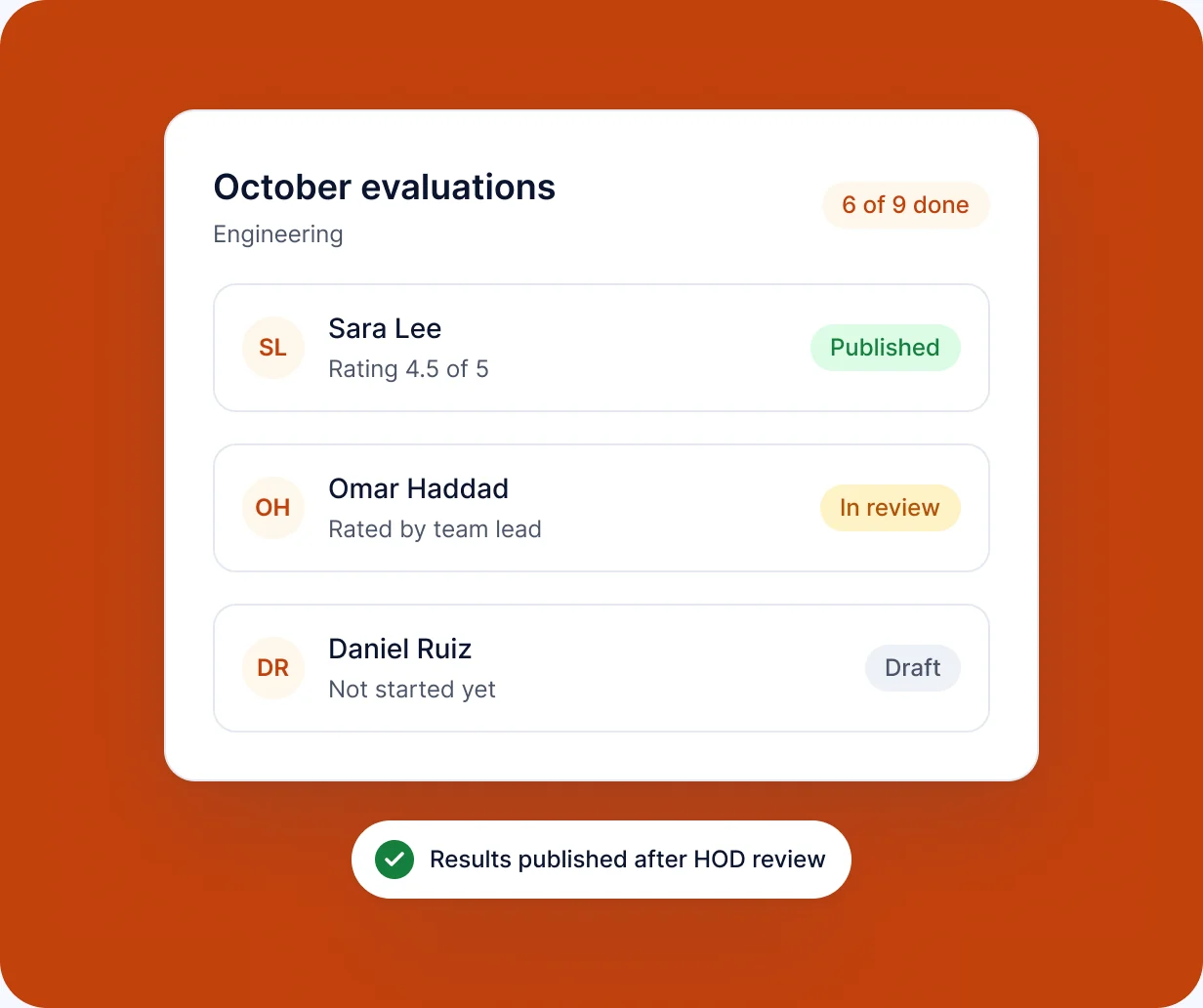
RankHRM Performance lets HR and managers set KPI sets for each role, run evaluations on a regular cycle and keep the results on the employee record.
Key capabilities
What you can do with Performance
-
KPI sets
Define the measures that matter for each role or team.
-
Evaluation cycles
Run evaluations monthly, quarterly or on your own cycle.
-
Manager reviews
Managers score KPIs and add comments in one form.
-
Employee history
Past evaluations stay on the employee record.
-
Due reviews
Pending evaluations appear in the Attention Center.
-
Access control
Only the right people see each evaluation.
In the product
See Performance in action
KPI set
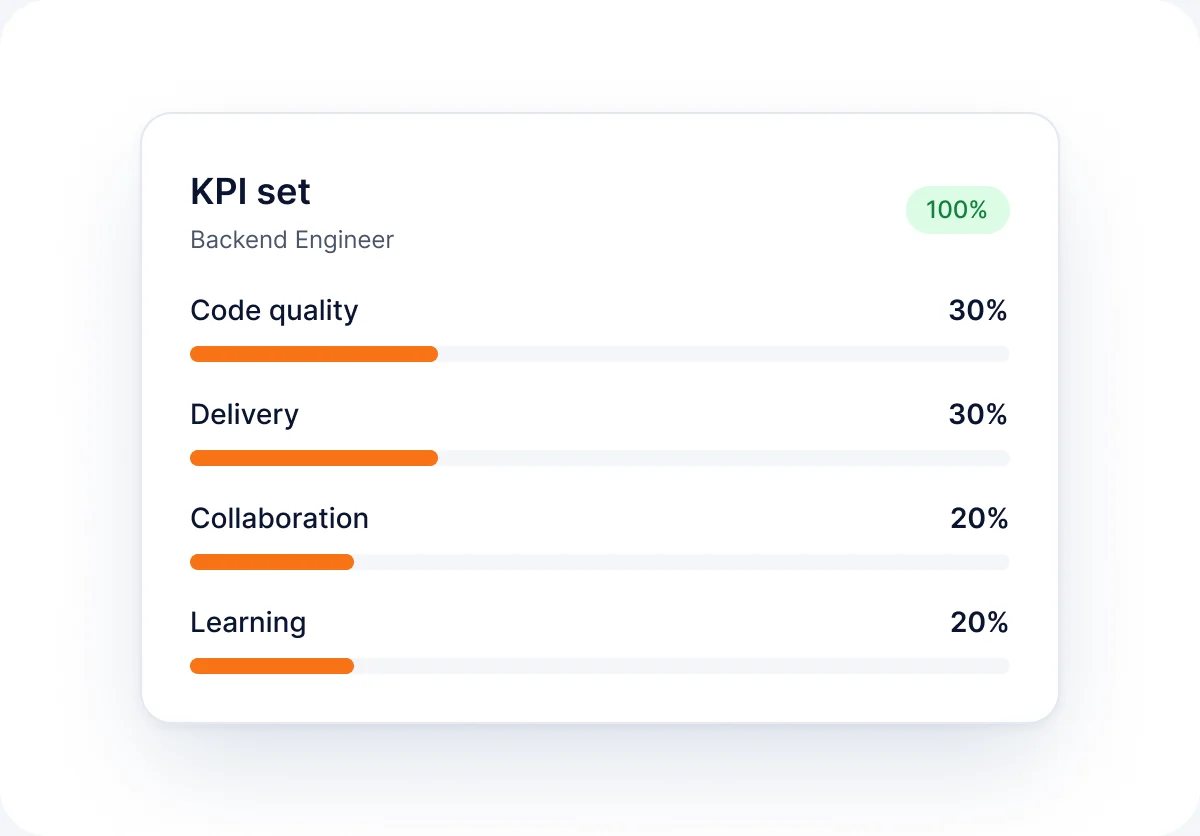
Build a KPI set and assign it to a role or team.
- Define measures per role or team
- Assign the set to employees
Evaluation
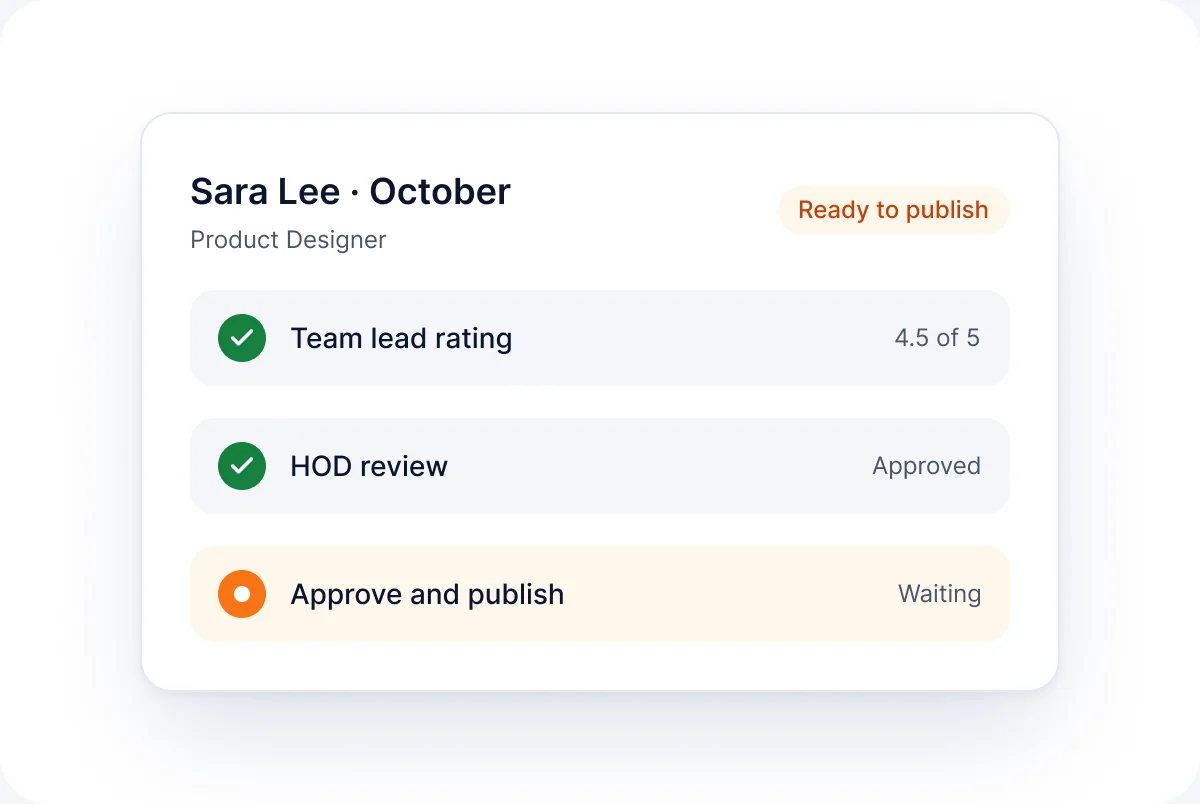
Complete an evaluation such as Sara Lee's October review.
- Score KPIs in one form
- Add manager comments
How it works
How Performance works
-
01
Define KPIs
Create KPI sets for roles and teams.
-
02
Assign
Link KPI sets to employees.
-
03
Evaluate
Managers complete evaluations each cycle.
-
04
Record
Results are saved to the employee record.
FAQ
Performance questions
Short answers to the questions we hear most. See the full FAQ for more.
Read all FAQs
What is performance management software?


It helps organisations set expectations and review performance consistently. RankHRM Performance uses KPI sets and evaluation cycles linked to each employee.
Can we use our own KPIs?
Yes. You create KPI sets for each role or team.
How often can we run evaluations?
You choose the cycle, for example monthly or quarterly.
Can employees see their evaluations?
Employee visibility of evaluations is confirmed during your demo.
Run performance reviews on a clear cycle
Book a 30-minute walkthrough and we will show you KPI sets and evaluations set up for your teams.

What happens next
- 1Share a few details about your team and the modules you want to see.
- 2We email you within 1 working day to agree a time.
- 3You get a 30-minute walkthrough of RankHRM, focused on your workflows.