


Leave
Leave requests, balances and approvals without the chasing
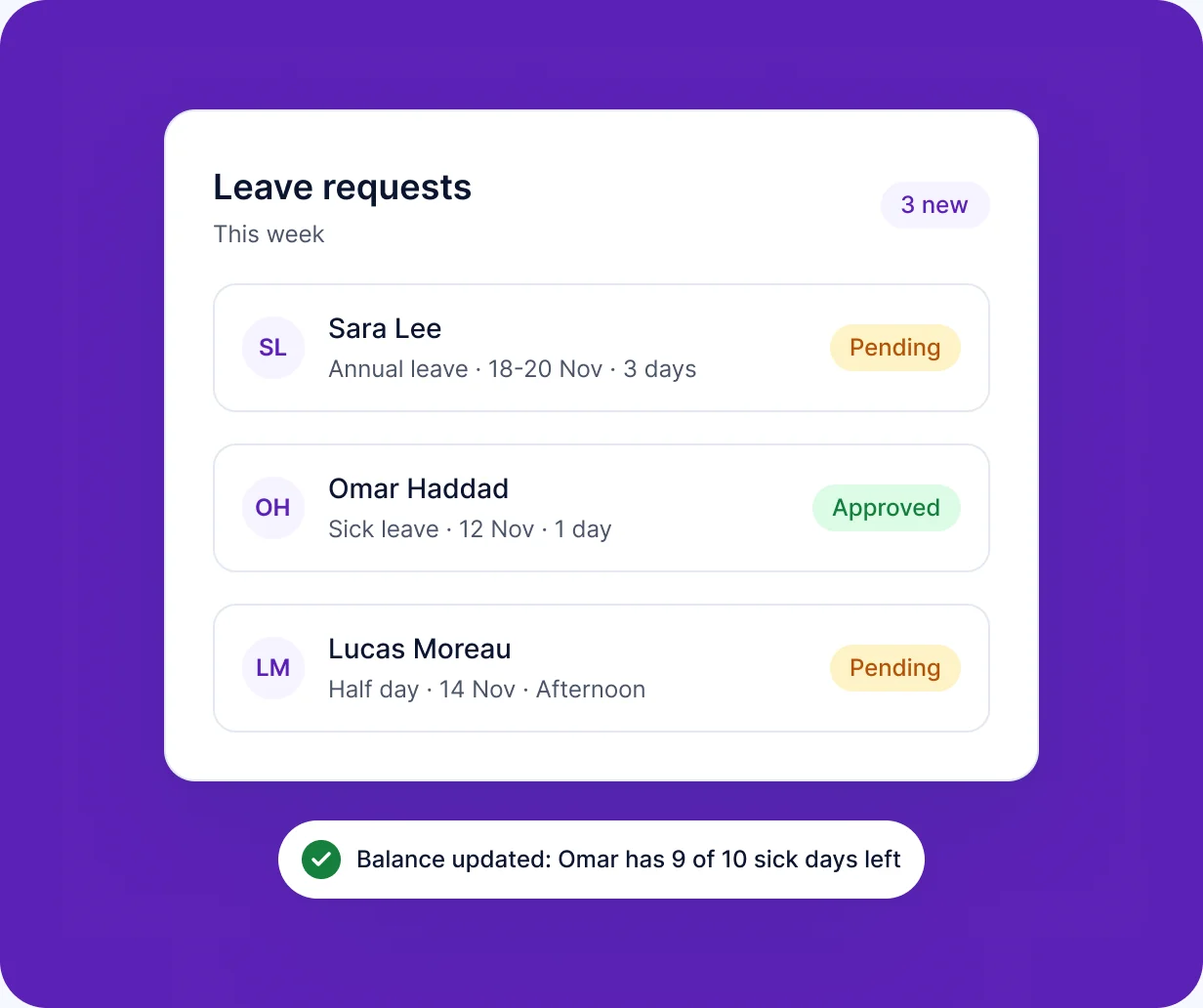
RankHRM Leave lets employees request time off against their current balance, routes each request to the right manager and gives HR a complete view of who is away and why.
Key capabilities
What you can do with Leave
-
Leave requests
Employees request leave online and track its status.
-
Leave balances
Employees and HR see the remaining balance before a request is made.
-
Manager approvals
Requests go to the right manager and appear in the Attention Center.
-
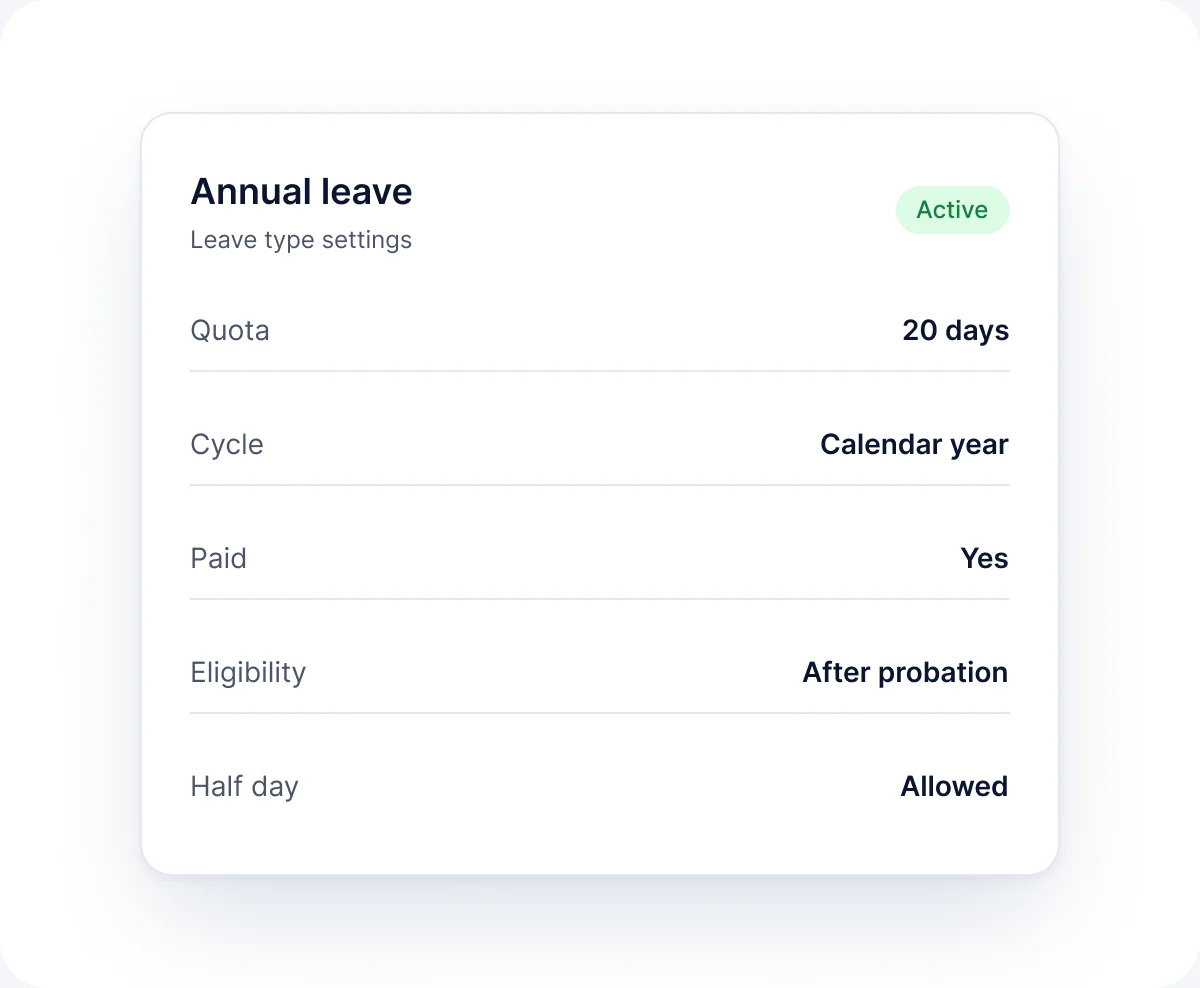
Leave types and policies
Configure leave types to match your organisation's policy.
-
Team calendar view
See who is away before approving.
-
Records for payroll
Approved leave is available to the pay run.
In the product
See Leave in action
Annual leave
View balances and upcoming leave across the team.
- See remaining balances
- View upcoming leave across the team
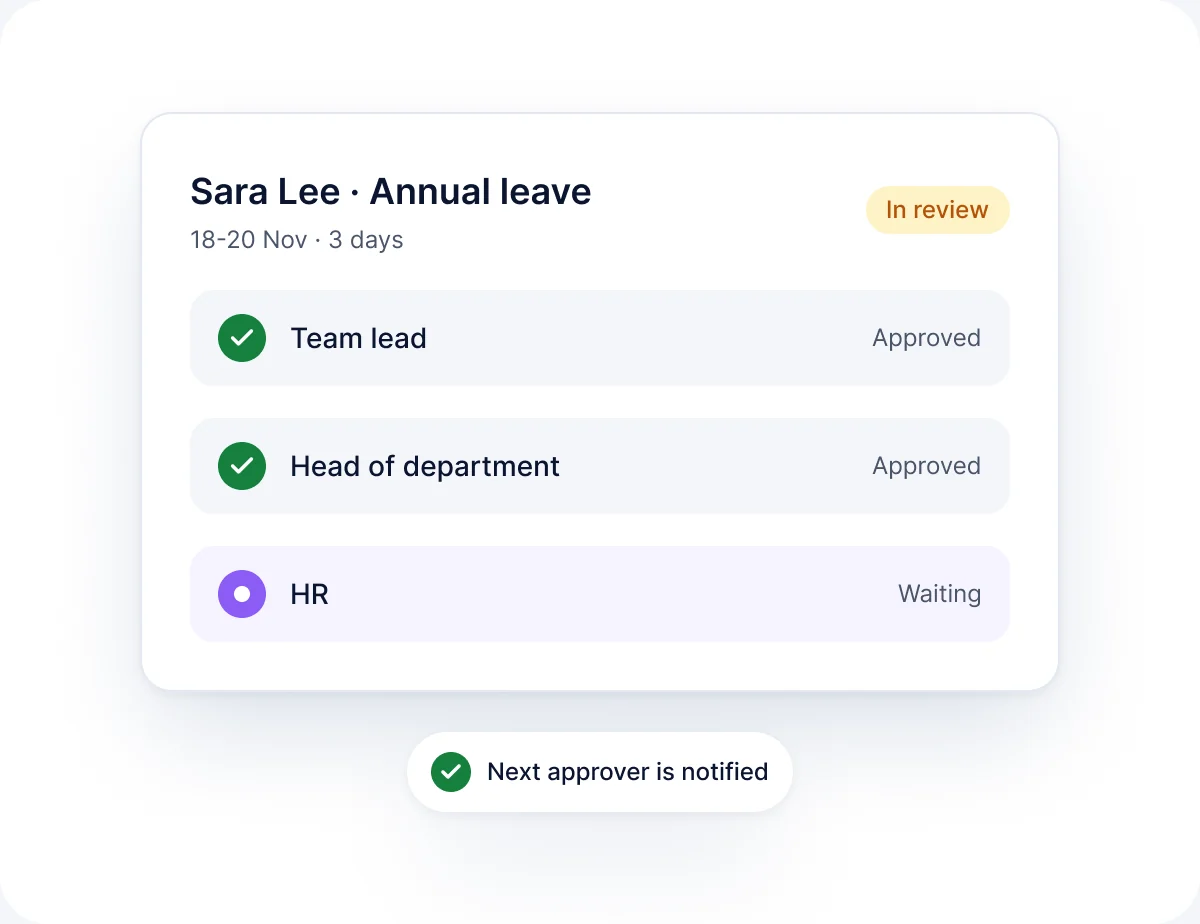
Leave request
Review a request such as Sara Lee's annual leave and approve it in one step.
- Review dates and balance
- Approve in one step
How it works
How Leave works
-
01
Set your policy
Configure leave types and entitlements during implementation.
-
02
Employee requests
The employee picks dates and sees their balance.
-
03
Manager decides
The manager approves or declines from the Attention Center.
-
04
Records update
Balance, roster and payroll data update automatically.
FAQ
Leave questions
Short answers to the questions we hear most. See the full FAQ for more.
Read all FAQs
What is leave management software?


It replaces email and paper leave requests with one system for requesting, approving and recording time off. RankHRM Leave also shows balances and feeds approved leave into payroll.
Can employees see their leave balance?
Yes. Employees see their remaining balance when they request leave, and HR can see balances for everyone.
Can we set up our own leave types?
Yes. Leave types and entitlements are configured to match your policy during implementation.
Who approves leave requests?
Requests go to the employee's manager as recorded in Core HR and appear in that manager's Attention Center.
Make leave simple for employees and managers
Book a 30-minute walkthrough and we will show you leave requests and approvals configured to your policy.

What happens next
- 1Share a few details about your team and the modules you want to see.
- 2We email you within 1 working day to agree a time.
- 3You get a 30-minute walkthrough of RankHRM, focused on your workflows.