


Employee Experience
One place for employees to reach HR
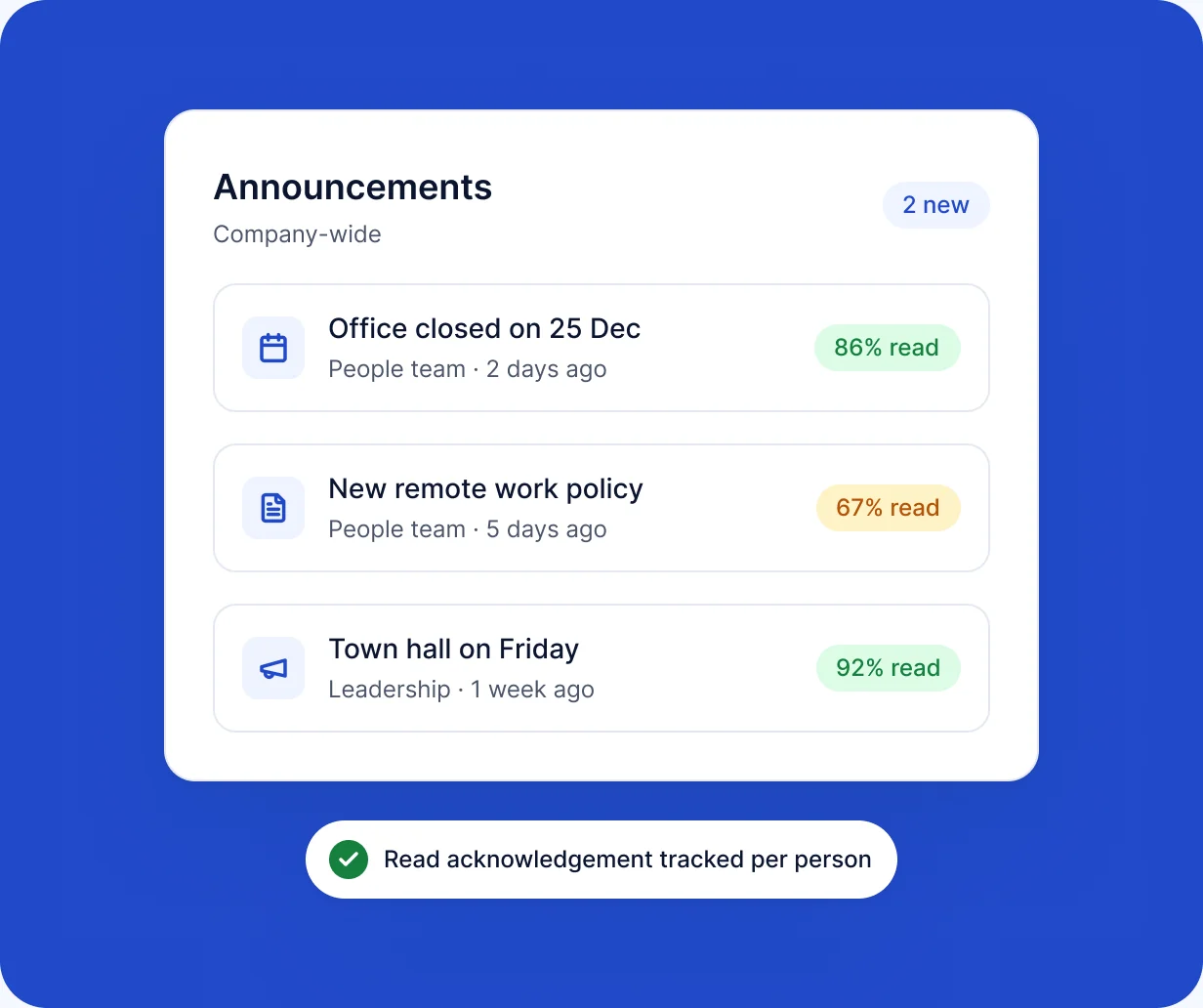
RankHRM Employee Experience gives employees a single place to read announcements, acknowledge policies and raise support tickets, and gives HR a record of every acknowledgement and request.
Key capabilities
What you can do with Employee Experience
-
Announcements
Share company news with everyone or with selected teams.
-
Policy acknowledgement
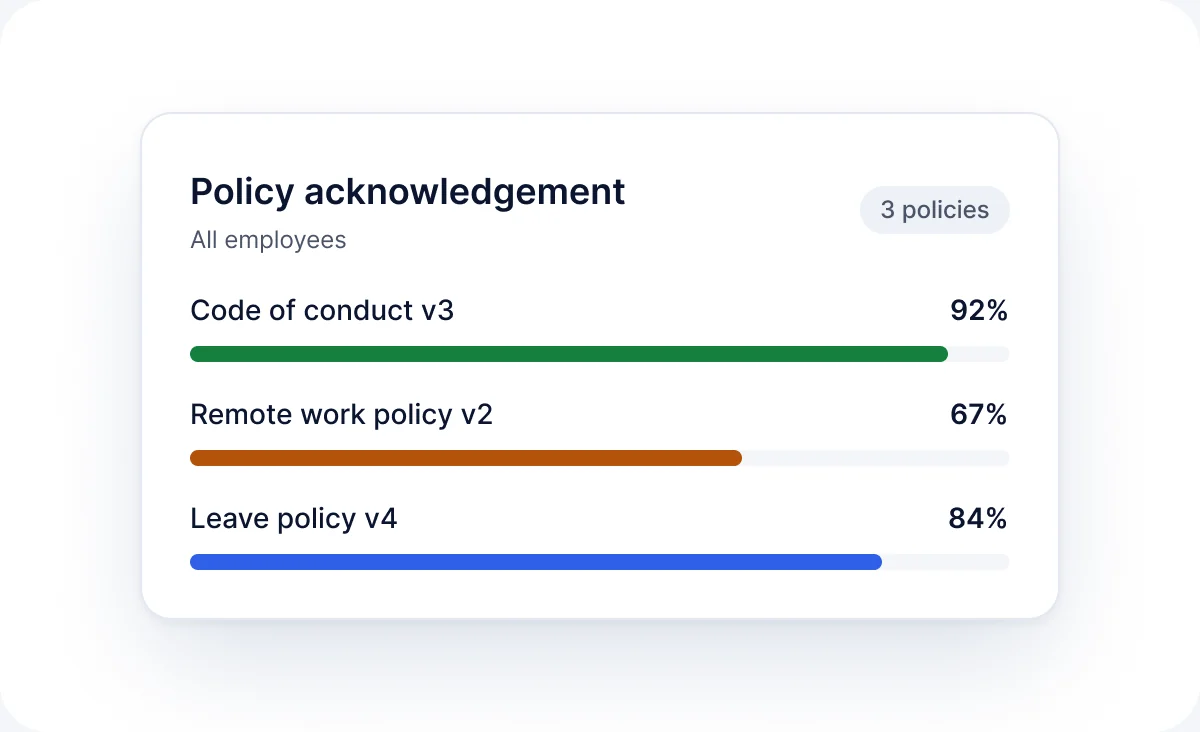
Publish a policy and see who has acknowledged it.
-
Support tickets
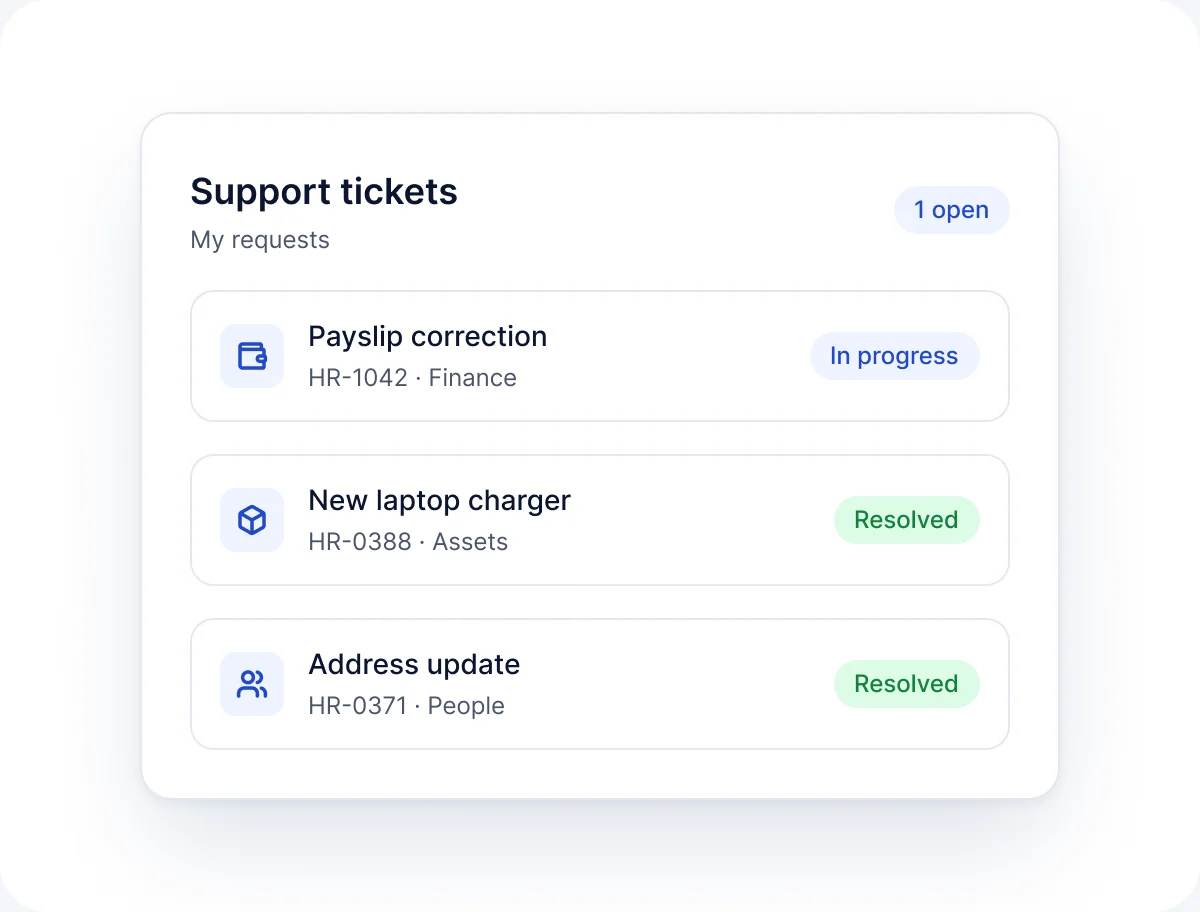
Employees raise HR questions; HR responds and closes them.
-
Self-service
Employees handle common requests without emailing HR.
-
Status tracking
Employees see the progress of each ticket.
-
Records
Every acknowledgement and ticket is recorded.
In the product
See Employee Experience in action
Policy acknowledgement
Publish a policy and track acknowledgements across the organisation.
- Publish a policy once
- Track who has acknowledged it
Support tickets
Handle employee questions from one queue.
- One queue for HR questions
- Respond and close tickets
How it works
How Employee Experience works
-
01
Publish
HR posts an announcement or policy.
-
02
Notify
Employees see it in RankHRM.
-
03
Respond
Employees acknowledge policies or raise tickets.
-
04
Track
HR sees who has acknowledged and which tickets are open.
FAQ
Employee Experience questions
Short answers to the questions we hear most. See the full FAQ for more.
Read all FAQs
What is employee experience software?


It gives employees one place to interact with HR. In RankHRM this covers announcements, policy acknowledgement and support tickets.
Can we see who has acknowledged a policy?
Yes. HR sees each employee's acknowledgement status for every published policy.
How do employees ask HR a question?
Employees raise a support ticket in RankHRM and follow its status until it is closed.
Can announcements go to specific teams?
Yes. Announcements can go to everyone or to selected departments and teams.
Give employees one place for HR
Book a 30-minute walkthrough and we will show you announcements, policies and support tickets set up for your organisation.

What happens next
- 1Share a few details about your team and the modules you want to see.
- 2We email you within 1 working day to agree a time.
- 3You get a 30-minute walkthrough of RankHRM, focused on your workflows.